for Businesses
Turn occasional review requests into a consistent customer-feedback process. TrustNinja helps businesses build genuine Google review opportunities into everyday communication and physical customer touchpoints using email feedback, QR codes and review-management workflows.

Quick Answer
What Is Google Review Management Software?
Google review management software helps businesses organise how they request, monitor and learn from Google customer reviews. It can make review links and QR codes easier to use, standardise staff workflows and bring customer feedback into a repeatable reputation-management process. Google Business Profile already provides core review tools; software such as TrustNinja is designed to make review activity easier to incorporate into normal business operations.

The Problem
Why Google Reviews Become Difficult to Manage Manually
Businesses often have happy customers but no reliable process for turning completed customer experiences into genuine review opportunities.
Customers forget to leave a review after the service is complete.
Staff ask inconsistently or only remember occasionally.
Customers may struggle to find the correct Google Business Profile.
Review links and QR codes are not built into normal customer touchpoints.
Feedback problems may be noticed too late.
Multiple teams or locations can follow different processes.
A repeatable workflow around Google's own review tools keeps the process consistent across teams and locations.

Why It Matters
Why Google Review Management Matters
Build Customer Trust
Google reviews appear alongside Business Profiles in Search and Maps and give potential customers information about other customers' experiences.
Improve Your Online Reputation
A repeatable review and feedback process helps a business keep customer experience visible and identify recurring issues.
Strengthen Local Search Visibility
Google states that review count and scores factor into local ranking, together with relevance, distance and prominence. Software can support a consistent process but cannot guarantee rankings.
Support Enquiries and Decisions
Recent, genuine reviews can give prospects useful context when comparing local businesses.
How It Works
How Google Review Management Software Works
Set Up the Right Profile
Confirm the business profile and, for multi-location organisations, the correct location customers should review.
Create Easy Review Touchpoints
Use the appropriate Google review link and QR-code journey so customers do not need to search manually.
Add Requests to Communication
Build neutral review invitations into appropriate emails, invoices, receipts, post-service communication or physical touchpoints.
Monitor Reviews and Feedback
Keep track of review activity, respond appropriately and use feedback to identify recurring customer-experience issues.
Improve the Process Over Time
Review which touchpoints customers use, train staff on a consistent process and keep all requests compliant with Google policy.
The TrustNinja Solution
Manage Your Online Reviews with TrustNinja
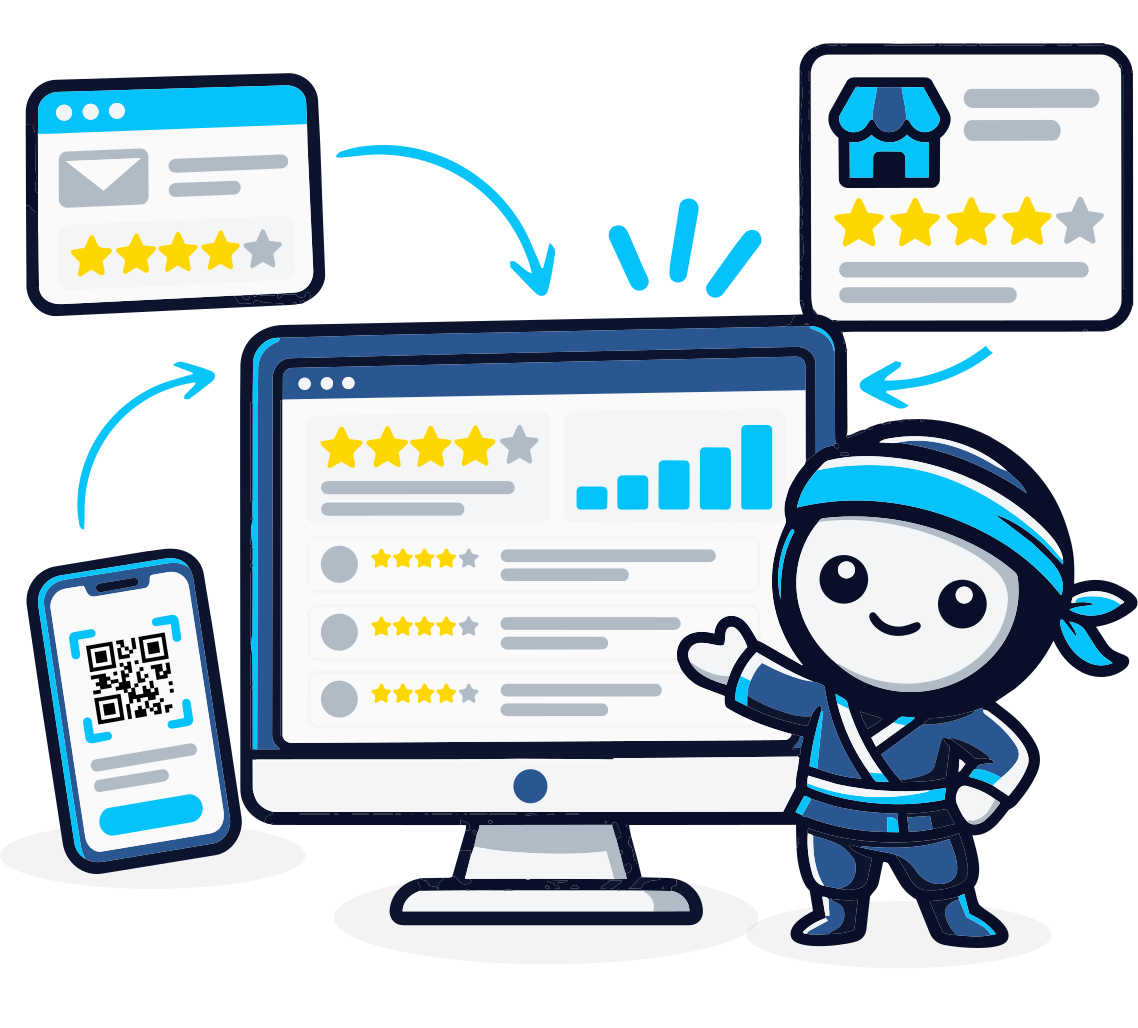
TrustNinja helps businesses make review management part of normal customer activity through its Email Signature Survey, QR Code Feature and supporting reputation-management workflows.
Review Invitations
- What it is
- A structured way to invite genuine customers to share feedback or reviews.
- How it works
- Review opportunities are built into appropriate customer touchpoints.
- Business outcome
- A more consistent process that does not depend on staff memory.
QR Code Reviews
- What it is
- A scannable customer-feedback touchpoint.
- How it works
- QR codes can be placed on receipts, tables, counters, invoices or printed material.
- Business outcome
- Connects physical customer experiences to digital feedback.
Google Review Links
- What it is
- A direct path to the relevant Google review experience.
- How it works
- Businesses share the appropriate review destination in customer communication.
- Business outcome
- Reduces friction for genuine customers.
Review Monitoring
- What it is
- An organised process for keeping track of review and feedback activity.
- How it works
- Review and feedback activity is tracked in one place.
- Business outcome
- Helps teams identify customer sentiment and reputation issues more consistently.
Reputation Management
- What it is
- The ongoing process of requesting genuine feedback, monitoring reviews and improving the customer experience.
- How it works
- Requests, monitoring and responses run as one repeatable process.
- Business outcome
- Moves reputation management from reactive to repeatable.
Email Signature Survey
- What it is
- A feedback prompt embedded in routine business emails.
- How it works
- Customers can respond from everyday customer communication.
- Business outcome
- Creates an always-on feedback opportunity across customer communication.

Who This Is For
Who Can Use TrustNinja?
TrustNinja is suited to organisations that receive regular customer interactions and want a simpler, more repeatable Google review and feedback process.
Service-Based Businesses
Add review opportunities after appointments, projects and completed services.
Restaurants, Cafes & Hospitality
Use QR codes and guest communication to create convenient feedback touchpoints.
Accommodation Providers
Use booking, guest and post-stay communication to request genuine feedback.
Trades and Contractors
Add review requests to job-completion, invoice and follow-up communication.
Professional Services
Use email-based feedback across appropriate client interactions.
Multi-Location Businesses
Create location-specific workflows so customers reach the correct Google profile.
Compare
Manual Google Review Management vs Review Management Software
| Manual Process | Review Management Software | |
|---|---|---|
| Review link | Shared manually | Built into repeatable customer touchpoints |
| QR codes | Created and distributed separately | Part of a wider feedback workflow |
| Staff consistency | Depends on memory | Process can be standardised |
| Customer feedback | Often separate from review requests | Incorporated into the workflow |
| Monitoring | Business checks profiles manually | Organised as part of reputation management |
| Multi-location | Easy to send customers to the wrong profile | Location-specific workflows can be standardised |